Question 7: Self-hosted or hosted privacy-friendly analytics - which is better for a small team, and which products fit each option?
Gemini web app (gemini.google.com), captured 2026-10-31 17:37:50 UTC
MentionedRecommendedNot linked
Screenshot
The answer
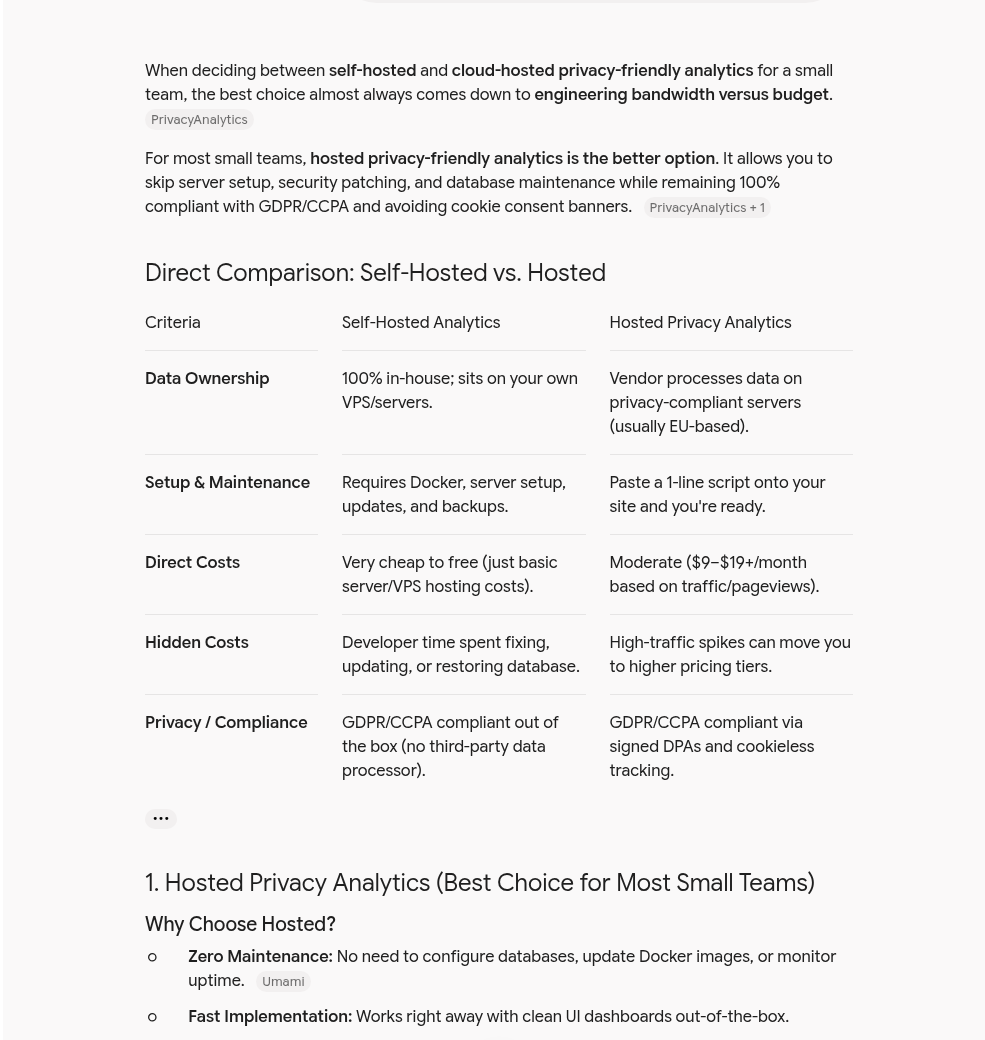
When deciding between self-hosted and cloud-hosted privacy-friendly analytics for a small team, the best choice almost always comes down to engineering bandwidth versus budget.
For most small teams, hosted privacy-friendly analytics is the better option. It allows you to skip server setup, security patching, and database maintenance while remaining 100% compliant with GDPR/CCPA and avoiding cookie consent banners.
Direct Comparison: Self-Hosted vs. Hosted
| Criteria | Self-Hosted Analytics | Hosted Privacy Analytics |
|---|---|---|
| Data Ownership | 100% in-house; sits on your own VPS/servers. | Vendor processes data on privacy-compliant servers (usually EU-based). |
| Setup & Maintenance | Requires Docker, server setup, updates, and backups. | Paste a 1-line script onto your site and you're ready. |
| Direct Costs | Very cheap to free (just basic server/VPS hosting costs). | Moderate ($9–$19+/month based on traffic/pageviews). |
| Hidden Costs | Developer time spent fixing, updating, or restoring database. | High-traffic spikes can move you to higher pricing tiers. |
| Privacy / Compliance | GDPR/CCPA compliant out of the box (no third-party data processor). | GDPR/CCPA compliant via signed DPAs and cookieless tracking. |
1. Hosted Privacy Analytics (Best Choice for Most Small Teams)
Why Choose Hosted?
Zero Maintenance: No need to configure databases, update Docker images, or monitor uptime.
Fast Implementation: Works right away with clean UI dashboards out-of-the-box.
EU Infrastructure: Top providers store data exclusively on EU servers with strict privacy defaults.
Top Hosted Products
Plausible Analytics
Best For: Overall ease-of-use, startups, and marketing sites.
Highlights: Open-source core, ultra-lightweight script (< 1 KB), no cookie banners required, beautiful simple dashboard.
Pricing: Starts around ~$9/month.
Fathom Analytics
Best For: Fast sites, agency clients, and strict privacy enthusiasts.
Highlights: Pioneer in privacy-first web analytics, cookie-free, built-in custom routing to bypass ad-blockers, excellent reliability.
Pricing: Starts around ~$15/month.
Simple Analytics
Best For: Non-technical teams who want simple pageview and event metrics without bloat.
Highlights: Privacy-first, never tracks IP addresses, simple export tools.
2. Self-Hosted Analytics (Best for Technical Teams with Strict Data Rules)
Why Choose Self-Hosted?
Total Control: Ideal if company policy or contract obligations forbid third-party data processors.
Fixed Costs: Costs don't scale up with high site traffic; you pay only for your server hardware.
Customization: Full access to database schemas for custom querying.
Top Self-Hosted Products
Umami
Best For: Web developers looking for a fast, modern, lightweight alternative.
Highlights: MIT-licensed, built with Node.js and PostgreSQL/MySQL, super clean interface similar to Google Analytics, zero cookies. Easy deployment via Docker or Vercel.
Also offers: A paid Cloud tier if you don't want to self-host long-term.
Plausible (Self-Hosted)
Best For: Teams that want Plausible’s design but need in-house hosting.
Highlights: AGPL-licensed Docker setup. Note that setting up PostgreSQL + ClickHouse databases yourself requires a bit more server setup than Umami.
PostHog
Best For: Product teams needing complex event tracking, funnels, feature flags, and session recordings.
Highlights: Much more powerful than basic web analytics; built for complex product usage analytics.
Warning: Running PostHog on self-hosted infrastructure takes significant DevOps effort compared to simple web analytics tools.
Matomo (On-Premise)
Best For: Teams moving away from Google Analytics that want full feature parity (e.g., ecommerce tracking, custom reports).
Highlights: The oldest and most feature-rich open-source analytics platform.
Tradeoff: Heavier resource footprint and a more traditional, busy interface.
Key Recommendation for Small Teams
Start with Hosted Plausible, Fathom, or Umami Cloud: Unless you have strict compliance rules demanding self-hosted data storage, the ~$10–15/month fee saves dozens of developer hours per year in database maintenance, security patches, and server upgrades.
Choose Umami (Self-Hosted Docker) if budget is zero: If you already run a server/VPS (e.g., on Hetzner, DigitalOcean, or AWS) and have a developer on hand, running Umami in a Docker container takes under 15 minutes to spin up.
Would you like help assessing setup steps for a specific tool, or comparing privacy compliance aspects for your specific target audience (e.g., EU vs. US visitors)?
Text as shown by the app, with page buttons and source badges removed. Marked yellow: the brand; underlined: competitors.
Links in the answer
None.